


What is an IT refresh cycle?
An IT refresh cycle is the planned interval at which a business replaces or renews its hardware assets. Rather than waiting for devices to fail, a refresh cycle schedules retirement proactively — typically based on age, manufacturer support status, and total cost of ownership.
A well-managed refresh cycle means:
- No devices run past their manufacturer security support window
- Budget is forecast and allocated in advance rather than consumed by emergency replacements
- Retired assets are disposed of through a documented, compliant process
Without a defined cycle, IT teams typically end up managing a fragmented fleet: devices of varying ages, some running unsupported software, others held in storage with data still present on drives.
What refresh cycles are typical for different hardware types?
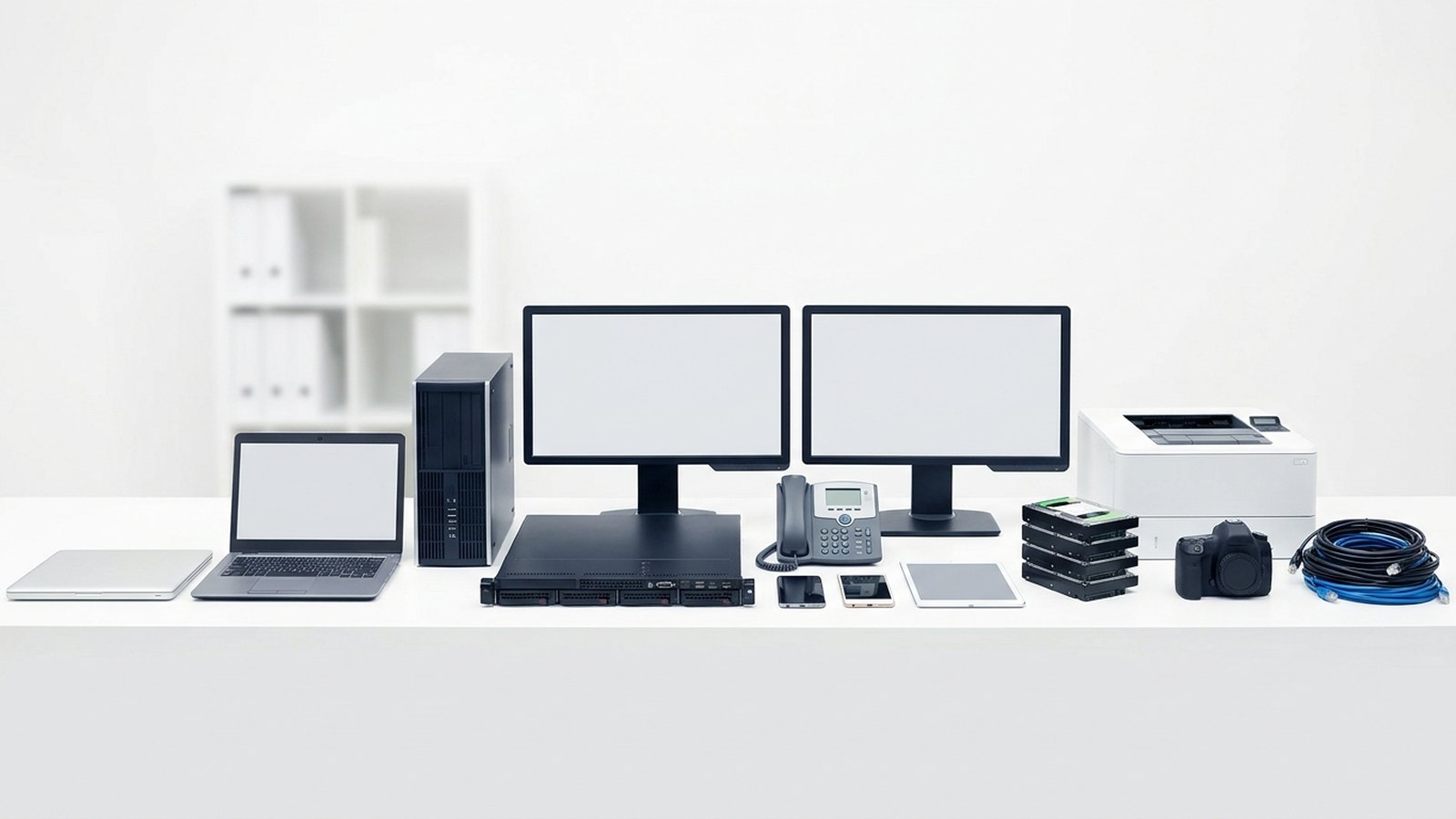
There is no single correct answer, but the following ranges reflect common practice across UK business IT:
| Hardware type | Typical refresh cycle |
|---|---|
| Laptops and notebooks | 3–5 years |
| Desktop workstations | 4–6 years |
| Servers (on-premises) | 5–7 years |
| Networking equipment (switches, routers) | 5–8 years |
| Mobile phones | 2–4 years |
| Monitors | 6–10 years |
Servers often run longer than end-user devices because replacement involves migrating workloads — a project with significant lead time — and because the hardware is less exposed to the physical wear that shortens laptop lifespans. However, server refresh should align with manufacturer support timelines. Running an out-of-support server in production is a security risk regardless of whether it functions reliably.
What factors should drive your refresh decision?
Manufacturer support status
This is the single most important factor. When a manufacturer stops issuing firmware and security updates for a hardware model, that model becomes a security liability. The Microsoft Windows hardware compatibility list, for example, sets minimum requirements that older devices cannot always meet. Organisations that must maintain Cyber Essentials or ISO 27001 certification cannot carry unsupported devices.
Total cost of ownership
Track repair and support costs by device serial number. A device that has absorbed £200 or more in repair costs in its fourth year is unlikely to be economical to carry into a fifth. Include IT staff time spent managing issues, not just parts and labour costs.
Performance relative to workload
Software and operating system requirements change over time. A device that met your standard build requirements in year one may not meet them by year four. Plan refresh cycles to stay ahead of software requirement changes, not behind them.
Battery life for mobile devices
For laptops and mobile phones, battery degradation is a functional issue, not just a performance one. A laptop that cannot support a working day away from a power socket has lost its primary advantage as a mobile device.
How to structure a rolling refresh programme
A rolling refresh — retiring a proportion of the fleet each year — avoids large capital outlays and spreads the disposal workload. The proportion retired each year is the inverse of the cycle length: a four-year cycle means approximately one quarter of the fleet is replaced annually.
Step 1: Audit the current fleet
You cannot plan a refresh without knowing what you have. A current asset register should include every device’s serial number, model, purchase date, and current status. If your register is incomplete, a physical audit is the starting point.
Step 2: Classify assets by age cohort
Group devices by age. Identify which cohort is approaching or past the end of your target refresh window. Flag any devices that are already past manufacturer support.
Step 3: Prioritise high-risk devices first
Devices running unsupported software or carrying signs of hardware failure should be retired first, outside the normal cycle if necessary. Security risk should not wait for a scheduled refresh window.
Step 4: Plan procurement and disposal in parallel
The disposal of outgoing devices should be planned at the same time as procurement of replacements. Engaging your IT asset disposal provider at the planning stage avoids the common problem of retired hardware accumulating in storage with data present on drives.
Step 5: Document the disposal
Every retired device must be disposed of with a certified data destruction process and a WEEE-compliant recycling route. You should receive a data destruction certificate and asset disposition report for every device. These are your compliance records under UK GDPR and the WEEE Regulations 2013.
How does responsible disposal fit into the refresh cycle?
Retirement planning is incomplete without a disposal plan. Devices stored in a cupboard or storeroom after retirement present the same data security risk as devices in active use — personal data on an unwipped drive is still personal data.
Our guide to what happens to recycled computers explains the full chain of custody from collection to materials recovery. For businesses planning a significant refresh, Recycle4Charity offers free collection across London with full documentation.
Devices that still function at the point of retirement often qualify for donation to digitally excluded Londoners. A laptop at the end of its useful corporate life may have years of value remaining for someone who has no device at all.
Speak to our business team to align your next refresh cycle with a planned, documented disposal programme.